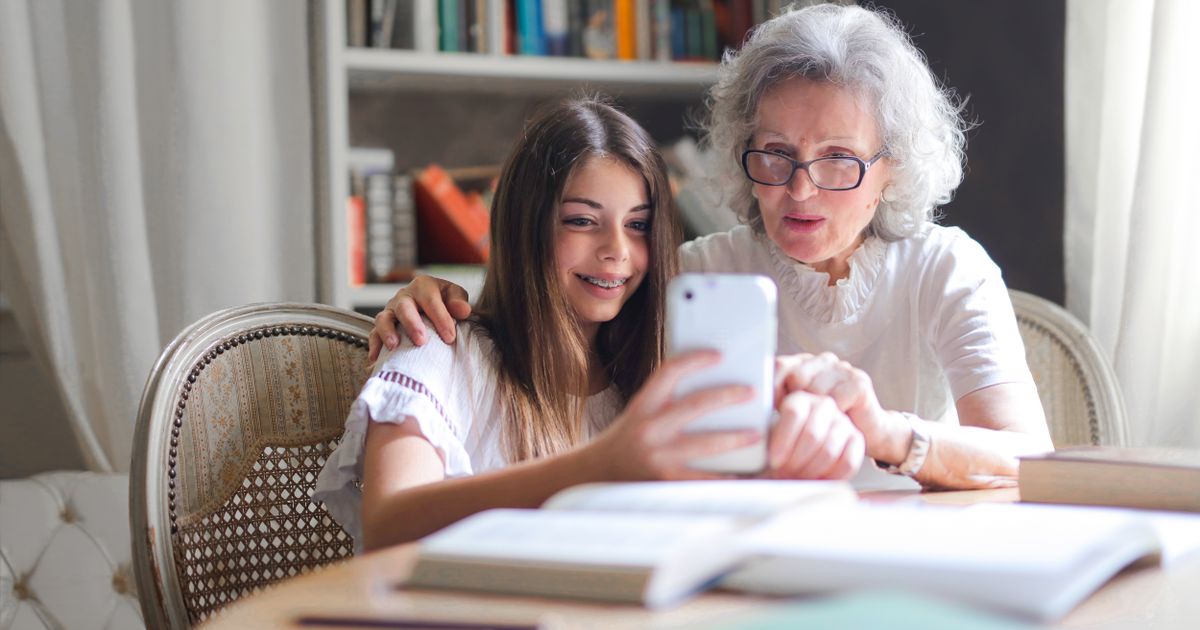

Our grandson Tyler is a sweetheart. He's also nineteen, and he taps a phone screen faster than a hummingbird's wings. Last Thanksgiving, I asked him to show me how to start a video call. He tapped, swiped, tapped again, and handed the phone back. "There, Grandma."
A week later, I tried it myself and got stuck on the second screen. I called him, and he said, very kindly, "I already showed you." And I felt about two inches tall. I didn't ask again.
So I did something for myself. I signed up for a free online class made for people our age, where nobody was in a hurry and nobody had already shown me. And I learned how to do that video call in one afternoon.
Where can I take free technology classes?
Senior Planet from AARP offers free technology classes for older adults, both live online classes and self-paced lessons you can watch whenever you like. This fall they introduced new on-demand courses, including ones on cloud storage and cleaning up a cluttered email inbox. You can browse their on-demand learning page to see what's available.
The on-demand courses use their own sign-up, so follow the steps on the site rather than assuming an AARP login will work. And it's free. You don't need to be an AARP member.
How do I pick the right class?
Here's how I do it, in plain words. First, pick one task you actually want to do this week, like starting a video call or finding an old email. Second, find a class on just that one thing. Third, pause the lesson and try each step on your own phone or computer as you go. Fourth, write the steps down in your own words.
That fourth step is my secret. I keep a spiral notebook next to the computer. I write what I actually see on my screen, not what the teacher's screen looks like, because sometimes the buttons are in a slightly different spot.
What if a lesson doesn't match my screen?
This happens all the time, and it doesn't mean you did anything wrong. Phones and computers get updates, and menus move around. Write down where your screen looked different, then pause and look for the same word the teacher used. If you're still stuck, many classes have a chat box or email where you can ask a question.
Please don't decide you're "bad at technology." You're learning a new language, and nobody is fluent after one lesson.
Where else can I get free tech help nearby?
In plain words, you have four good options: Senior Planet's free online classes from AARP, your public library, which may offer one-on-one help with your phone or tablet, your local senior center, which may have classes or tech volunteers, and a patient family member using a planned, one-task call. Call the library or senior center before you go, because what they offer varies from town to town.
If family is your helper, I wrote about a calmer way to do it in my post on getting tech help from family. And when you're ready for your next lesson, my guide on checking your photo backup pairs nicely with a cloud storage class.
What happened with my video call
At Christmas, I called Tyler on a video call. By myself. His face popped up on my screen and he said, "Grandma! You figured it out!" I told him I took a class. He said, "Why didn't you just ask me?" And I said, very kindly, "I already did, honey." We both laughed. Then he apologized, and I forgave him before he finished the sentence.
Take good care of yourself, and take even better care of each other.
What's one tech skill you'd like to learn this fall? Tell me in the comments, and let's cheer each other on.