
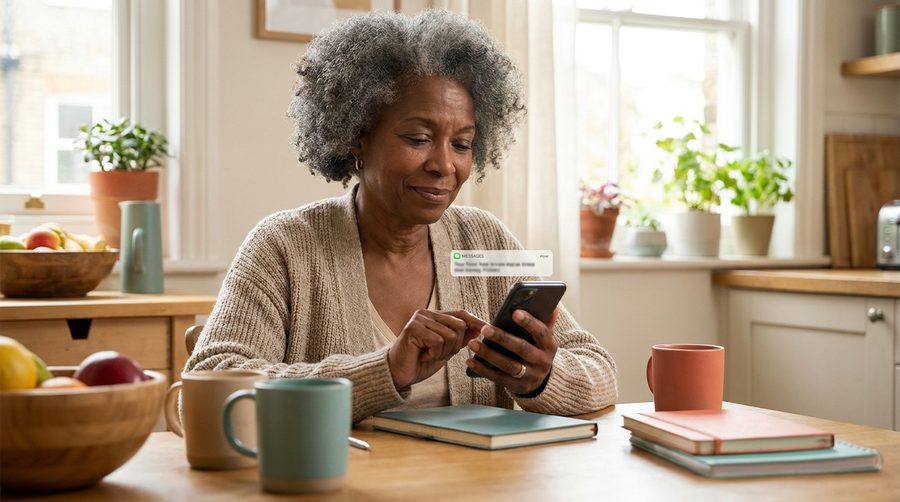
It happens to the best of us. A text says your package is delayed, the link looks real enough, and you tap it before your coffee kicks in. Then the doubt creeps in: what did I just do? Take a breath, in most cases, the click itself does very little. What scammers really want is what happens after: your password typed into a fake page, or a payment "to release the package."
So here is your calm, five-step cleanup. First, close the page and turn on airplane mode for a minute. It cuts off anything that wanted to "phone home." Second, if a page asked you to log in or pay, do not type anything; close it. Third, run the security check your device already has: on iPhone, just keep iOS updated (it checks automatically); on Android, open the Play Store, tap your profile picture, then "Play Protect" and scan. Fourth, if you did type a password before realizing, change that password now, and everywhere else you use the same one. Fifth, glance at your bank and card statements over the next two weeks; one minute a day is plenty.
What you should not do is pay for a "cleanup service" that calls or pops up afterward, claiming your device is infected. That pop-up is the second half of the same scam, fishing for the people who clicked the first half. Real security warnings never include a phone number to call.
And tell someone, your spouse, a friend, your kids. Not because you did anything wrong, but because scammers count on silence. Every time someone says "I almost fell for this one," the whole family gets smarter together.